Second check of ink pressure for color failed (Photo Black)
Last updated: February 22, 2026
Featured Video
HP designjet T2600 ps | system error 0075-0004-0059 | dusty motor sensor
Second check of ink pressure for color failed (Photo Black)
- 1
Ensure carriage latch is properly engaged. Reseat the printhead. Replace the printhead.
Reference diagrams for common repair procedures related to this error:
Carriage Belt Replacement

Formatter Board Location & Connections

Ink System Components & Flow Path

Note: These diagrams are for reference only. Always consult official HP service documentation and follow proper ESD precautions.
Still Having Issues?
Get connected with a certified DesignJet repair specialist in your area. Fast response, competitive quotes.
Explore Printers
Glossary Terms
Related Questions
Service Providers
The process of adjusting the printer's color output to match a known standard, ensuring consistent and accurate color reproduction.
The complete system that stores, transports, and delivers ink from the cartridges to the printheads, including tubes, valves, and pressure regulators.
HP 711 ink cartridges are available in black (80ml/38ml), cyan, magenta, and yellow (29ml) for DesignJet T120, T520, T125, T130, T525, and T530 printers.
HP 727 ink cartridges come in 6 colors for DesignJet T920, T930, T1500, T1530, T2500, T2530, and T3500 printers.
HP 728 ink cartridges are available in 4 colors for DesignJet T730 and T830 printers.
HP 730 ink cartridges come in 6 colors for DesignJet T1600, T1700, and T2600 series printers.
Was this page helpful?
Related Videos
HP designjet T2600 ps | system error 0075-0004-0059 | dusty motor sensor

System error code: 86:01 on HP T790 T1300 T2300 Designjet Printer
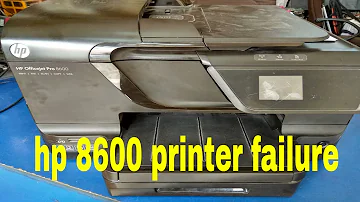
How to fix hp officejet pro 8600 printer failure error

HP DesignJet How to override expired Ink error and keep using until empty Eastern Engineering

Repair for HP Designjet 500/800/510/500+ Trailing Cable Error: 11:11 Check/Clean/Replace